-
E-mail
15046113@qq.com
-
Phone
13303065213,13315772373
-
Address
Wuxi City, Jiangsu Province
Product Categories
Wuxi Simjie Instrument Equipment Co., Ltd
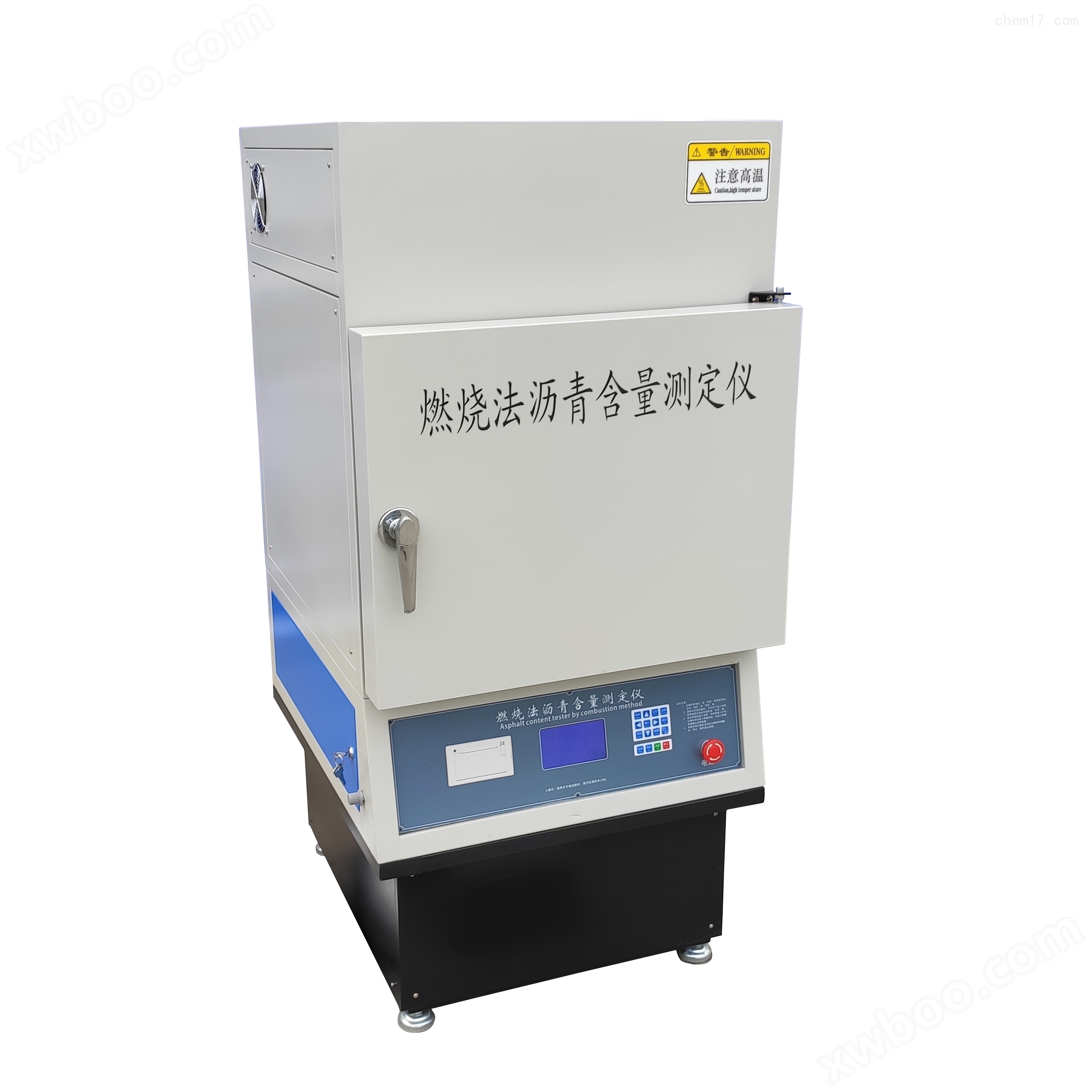
Combustion method asphalt content analyzer
NegotiableUpdate on 01/22
- Model
- Nature of the Manufacturer
- Producers
- Product Category
- Place of Origin
Overview
The combustion method asphalt content analyzer is used to determine the asphalt content in asphalt mixtures and provide clean aggregates for gradation analysis.
Product Details
Combustion method asphalt content analyzerpurpose
Measuring the asphalt content in asphalt mixtures also provides clean aggregates for grading analysis.
Operating procedures for combustion method asphalt content analyzer
1) Check if the power supply in the laboratory is safely connected.
2) Check the power supply of the microcontroller and the combustion furnace, connect the combustion furnace power supply, turn on the red switch on the right side of the control chassis to put the single chip into working mode, and the display screen will show the working menu.
3) Set temperature (usually 540 degrees), calibration parameters (initial calibration parameter is 0), and mixture type.
4) Press the heating button, the heating indicator light will turn on, and the combustion furnace will start heating.
5) When the furnace reaches the set temperature, open the combustion furnace door, and the heating will automatically stop. Place the empty material basket into the tray (please handle with care).
6) Close the furnace door, press the heating button to heat it up, and wait for the actual temperature displayed on the screen to not be lower than 500 degrees. After the weight value of the sample (at this time, the weight of the material basket) stabilizes (heating for 3-10 minutes), press the peeling button again to clear the weight of the sample to 0. The value should be less than 0.2g. (Note: The furnace door must be opened after peeling the weight.)
7) Open the furnace door and take out the material basket. Please close the furnace door immediately to prevent the furnace temperature from dropping. Put the asphalt mixture that needs to be tested into the material basket, and be careful not to stack them together. Spread them flat and put them into the material basket.
8) Place the material basket on the tray inside the combustion furnace, and make sure to place the basket on the tray * to ensure the accuracy of the test results.
9) Close the furnace door, quickly press the heating button, the heating indicator light will turn on, and the combustion furnace will start heating. The display screen will show the weight of the sample (this value remains unchanged during the experiment). After heating for 30 seconds, the fan will start working, and the value on the display screen will refresh once. At this point, the experiment begins.
10) During the experiment, the weight loss value is continuously displayed on the screen. When the weight loss reaches a certain value, the single unit automatically knows whether the experiment is over. After the experiment is over, the fan automatically stops working, and the test result is displayed on the screen. The printer automatically prints the test report.
11) Open the furnace door, take out the material basket, clean it thoroughly, and prepare for the next experiment.
12) If multiple test reports are required, please press the print button repeatedly.