-
E-mail
cqoffice@wason.cn
-
Phone
13372551270
-
Address
1905, Building 1, Dongyuan ARC Plaza, No. 88 Shinianpan, Shapingba District, Chongqing
Product Categories
Chongqing Weisong Environmental Equipment Co., Ltd

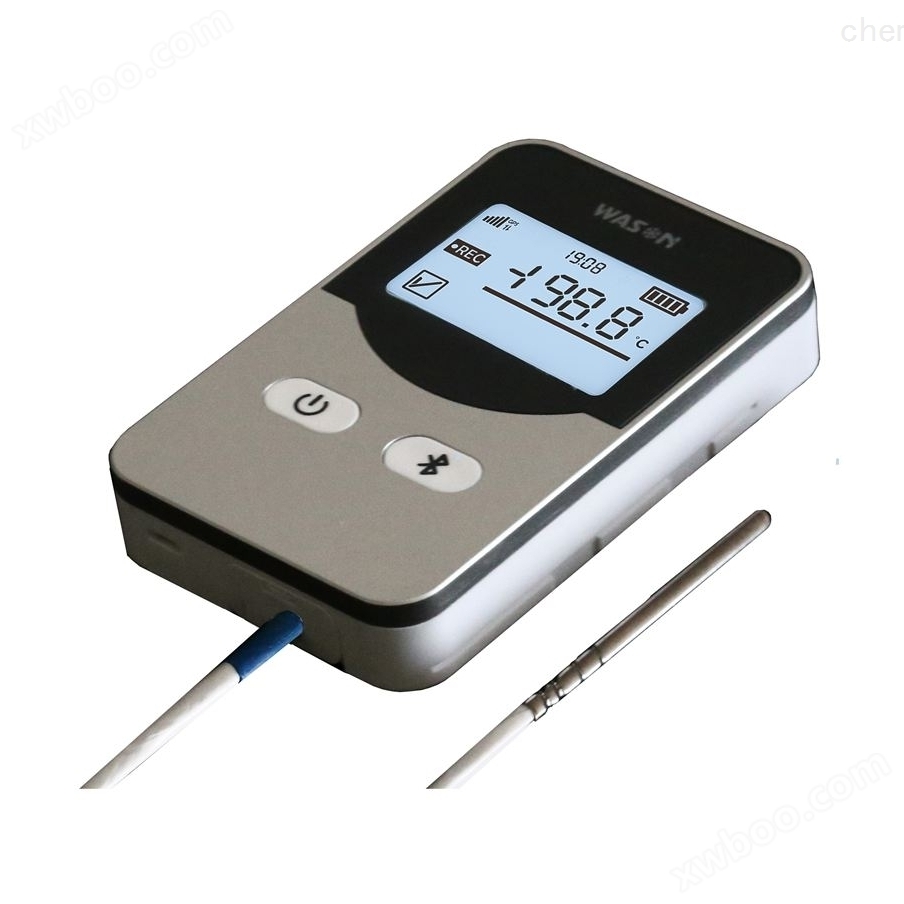
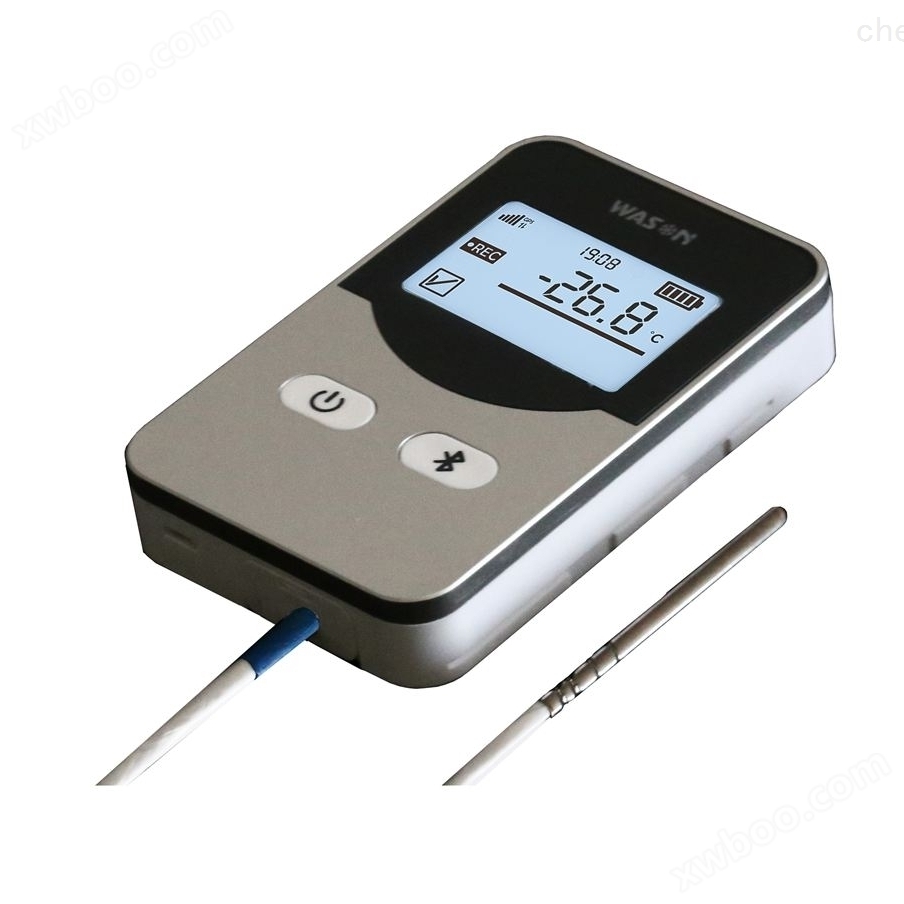
Temperature Recorder WS-T11PRO
NegotiableUpdate on 01/23
- Model
- Nature of the Manufacturer
- Producers
- Product Category
- Place of Origin
Overview
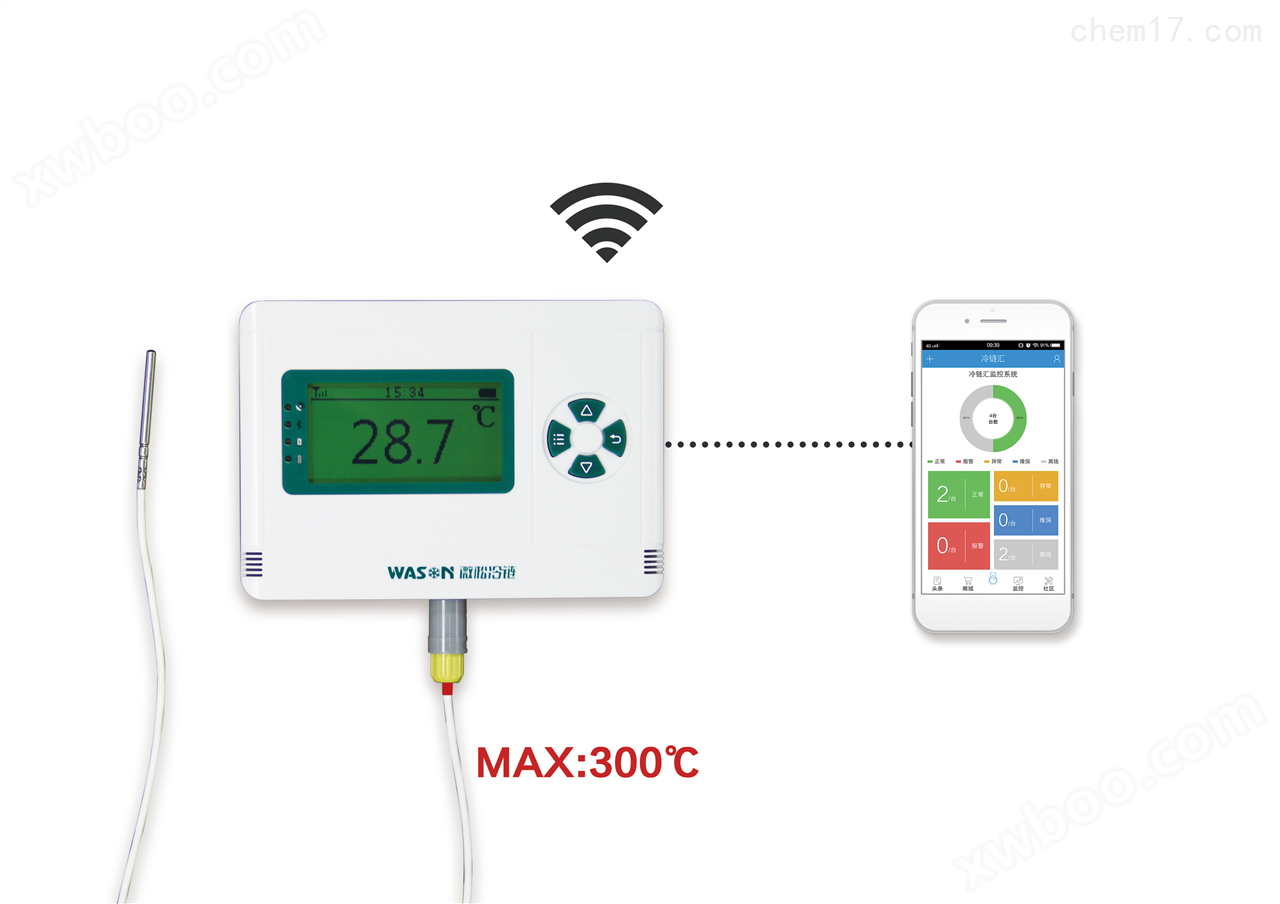
Single channel temperature recorder does not require software download data. The single channel temperature recorder adopts true USB communication technology and does not need to simulate. The probe of the single channel temperature recorder has good interchangeability between ℃ and ℉. It can record multiple processes on one machine. The host has IP65 waterproof rating, suitable for harsh environments. It is designed with ultra-low power consumption and battery life of 1-2 years. The ABS engineering plastic shell and dual cavity shell design provide LCD display for temperature, time, battery capacity, alarm prompts, etc. Details:
Product Details
Model: WS-T11PRO
Product Features
■ No need to download data through software
■ Adopting true USB communication technology, no need for simulation
■ Good interchangeability of probes
■ Switching between ℃ and ℉
■ Multi process recording for one machine
■ Host IP65 waterproof rating, suitable for harsh environments
■ Ultra low power design, battery life: 1-2 years
■ ABSEngineering plastic shell, dual cavity shell design
■ LCDDisplay: temperature, time, battery capacity, alarm prompt, etc
Technical Specifications:
temperature range |
-40℃~100℃ |
temperature accuracy |
±0.3~0.5 ℃ (other ranges) |
temperature resolution |
0.1℃/℉ |
storage capacity |
64800group |
recording interval |
1~60 minutes |
alarm method |
LCDPrompt, buzzing alarm |
Startup method |
Manual startup, automatic startup after software configuration |
Stop method |
Manual stop, full storage stop, automatic stop when connected to PC |
communication interface |
USB 2.0 |
battery life |
High energy lithium battery, 1-2 years (depending on usage frequency) |
Overall dimensions |
90mm×60mm×25mm |
Random accessories |
USBData cable, hardware manual, warranty card, and certificate of conformity (professional software optional) |
Usage:
|
Method 1:No driving usage (no software required, more convenient to use. Third generation recorder * usage mode) ①Refer to the manual and use the four buttons on the host to make various settings. ②After setting up, turn on the recorder. ③Stop recording and connect the computer with a USB cable to download data. ④ Copy CSV format data files directly from the recorder and open them using text processing software such as EXCEL or TXT. |
|
|
Method 2: When you have more requirements for data analysis, please choose software to download data. Through the software, you can view data reports, data curves, data statistics, record notes and other information, and also output PDF data files. ①Copy the software to your computer, green software, no installation required, open and use. ②Connect the recorder to the computer and set the parameters. ③The recorder is detached from the computer and placed in the environment that needs to be tested for recording work. Connect the recorder to the computer, view historical data, historical curves, data statistics, etc. through software, and perform data printing, PDF output, and other format file operations. | |
|
Data reports and statistics |
|
Output PDF curve |
|


Typical applications:
Widely used in the medical industry, electronics industry, food industry, transportation industry, agricultural research, chemical industry, textile industry, meteorological and environmental protection, HVAC refrigeration, archive management, biochemical laboratory and other fields.
Similar Product Recommend